

Why Prepare Now, Not in March
The best time to fix how your firm handles tax season is before it starts. For the 2026 tax year, most personal returns are due Friday, April 30, 2027. Self-employed filers and their spouses or common-law partners have until June 15, but any balance owing is still due April 30. Electronic filing usually opens in late February. In 2026 it opened on February 23.
Once the season starts, every gap in your process gets bigger. The phones don’t stop. Client documents arrive by email, text and paper. Staff spend hours chasing missing slips instead of preparing returns. Meanwhile, scammers time their phishing campaigns to the same weeks you’re busiest.
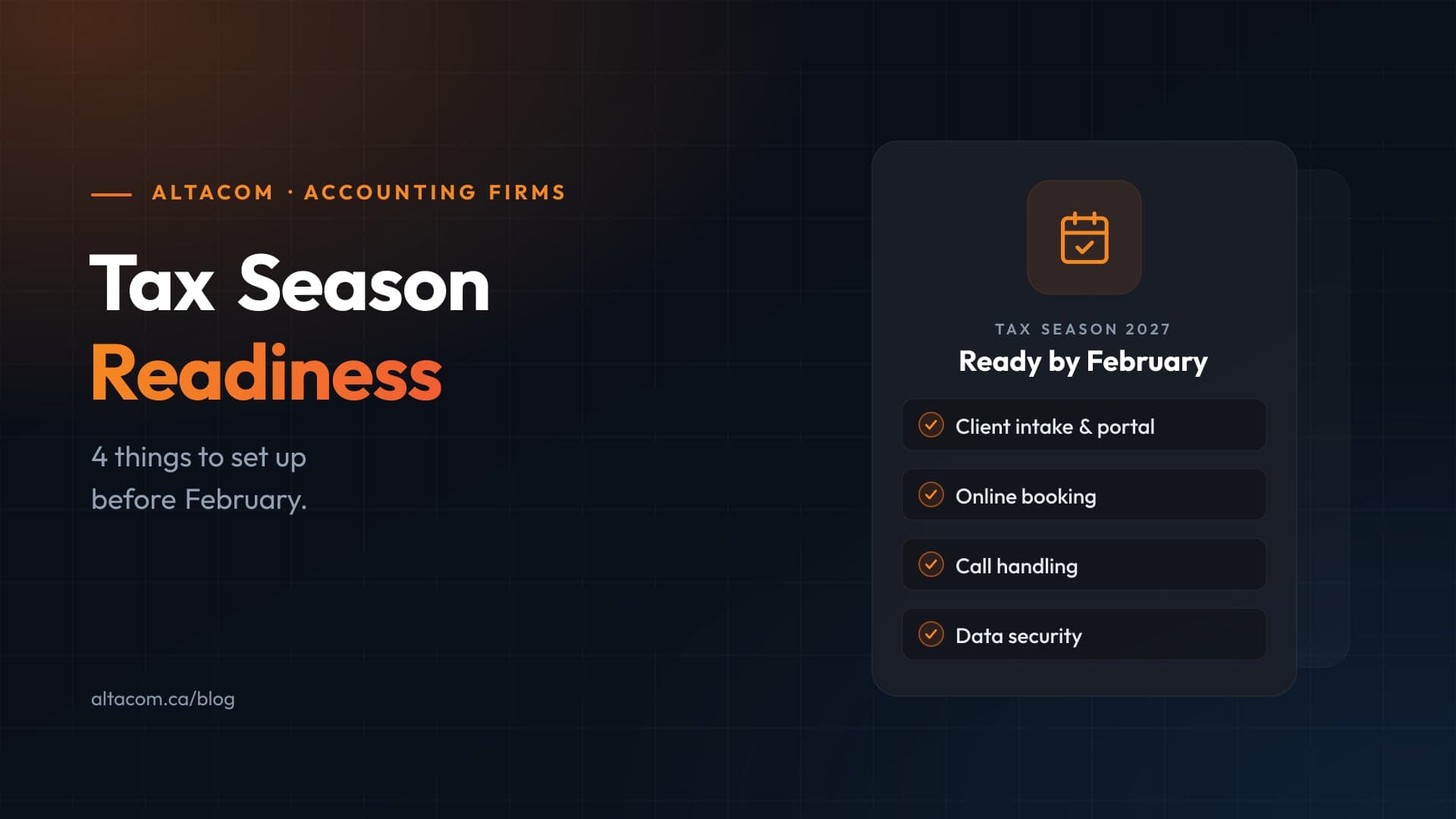
For most firms, tax season preparation comes down to four areas: client intake, appointment booking, inbound calls and data security. Each one can be fixed in a few weeks if you start in December or January. Here’s what to put in place.
1. Automate Client Intake
If your intake process is a PDF checklist sent by email, you already know the result. Slips arrive as blurry phone photos, as attachments spread across five emails, or not at all. Staff then spend the first weeks of the season sorting files and following up.
A secure online intake form combined with a client portal changes that. Clients answer your questions once, upload their documents to one place and sign their engagement letter electronically. Your team sees what’s complete and what’s missing at a glance.
What to set up:
- A digital intake questionnaire that changes based on the client’s situation, such as rental income, self-employment or a new dependant.
- A secure upload portal instead of email attachments, so documents are encrypted and land in the right client folder.
- E-signature for engagement letters and T183 forms (the CRA accepts electronic signatures on the T183), so paperwork doesn’t wait on an office visit.
- Automatic reminders for missing documents, so staff stop sending the same follow-up email by hand.
The payoff is simple. Your staff spend the season preparing returns, not chasing paperwork.
2. Let Clients Book Their Own Appointments
It can take three or four emails or calls to book one meeting. Multiply that by a few hundred clients and you have days of front-desk time spent on scheduling.
Online booking linked to your team’s real calendars removes that back-and-forth. Clients pick a time that’s actually free, get a confirmation right away and receive reminders before the meeting.
What to set up:
- Appointment types with set lengths, such as a 30-minute document drop-off, a 60-minute personal tax review or a business year-end meeting.
- Calendar sync with Microsoft 365 or Google Workspace, so bookings never clash with existing meetings.
- Email or text reminders 48 hours and 2 hours before each appointment to cut down on no-shows.
- A booking link in your email signature, on your website and in your intake emails.
Fewer scheduling calls means your front desk can focus on the clients who actually walk in.
3. Take Control of Inbound Calls
During peak season, a missed call can mean a lost client. Someone who reaches voicemail twice will often call the next firm on their list. Yet most calls in March and April ask the same few things: what to bring, when the appointment is, and whether the return has been filed.
A modern cloud phone system can handle much of that without adding staff.
What to set up:
- Smart call routing, so new clients, existing clients and business clients reach the right person or queue.
- After-hours handling that takes a proper message, sends a booking link by text or offers a callback.
- An AI phone assistant that answers common questions in plain language, books appointments and passes anything complex to a person. Before you switch one on, check where it processes and stores call recordings and transcripts.
- Call reporting, so you can see missed calls and peak times, and staff the phones to match.
The aim isn’t to keep clients away from your team. It’s to make sure your team spends phone time on calls that need a person.
4. Protect Client Data and Prepare for Scammers
Accounting firms hold exactly what criminals want: social insurance numbers, banking details and complete financial histories. Tax season gives scammers the perfect cover. The government’s Get Cyber Safe program warns that during filing season, scammers pose as the CRA to collect payments or personal information.
Those same tactics are aimed at your staff. A fake “CRA notice” or a client email from a hijacked account can be very convincing when someone is working through a full inbox at 7 p.m.
What to set up:
- Multi-factor authentication on every account, including email, tax software, your portal and remote access. This one step stops most password-based attacks. Microsoft Entra ID can enforce it across your whole team.
- Tested backups. Make sure you can restore client files and tax software data quickly. A backup you’ve never restored is a guess, not a plan. See how we handle backup and recovery.
- A short phishing refresher for staff before the rush, covering fake CRA messages, urgent payment requests, unexpected attachments and callers posing as IT support. Our cyber awareness training covers all of these.
- A verification rule for changes to banking details or payment requests: confirm by phone using a number you already have on file, never one from the email.
- Device and email security, including up-to-date patches, endpoint protection and email filtering on every laptop and workstation. Managed security takes this off your plate.
Privacy law matters here too. In Alberta, PIPA requires you to report a breach to the Information and Privacy Commissioner when it creates a real risk of significant harm to clients. In most other provinces, the federal PIPEDA applies the same test and also requires you to notify the clients affected. Preventing a breach costs far less than reporting one in the middle of April.
A Simple Timeline to Get Ready
You don’t need to do all of this at once. Here’s a realistic order:
- December: Turn on MFA everywhere, test a backup restore and review who has access to client data.
- Early January: Set up the intake form, client portal and e-signature. Test them with a few friendly clients.
- Mid January: Set up online booking and reminders. Configure call routing and after-hours handling.
- Early February: Run the staff phishing refresher. Send clients their intake link and booking link.
- Late February: Filing opens. Your systems are live, and your team can focus on returns.
Start the Season Ahead, Not Behind
Put these pieces in place over the next few weeks. You’ll start tax season with fewer interruptions, less admin work and much less risk. Your clients will notice too. They’ll find it easier to send documents, book time and reach you.
At AltaCom, we help accounting firms set up intake, scheduling, phones and security as one connected system, built around how your firm already works. Our team is based in Calgary, and we choose tools that keep client data in Canada wherever possible. If you’re also comparing IT providers, here’s what an accounting practice should expect from one.
Want to know where your firm stands? Book a free 20-minute tax season readiness call. We’ll go through these four areas with you and tell you what’s worth fixing before February.
Sources
- Canada Revenue Agency: What you need to know for the 2026 tax-filing season
- Canada Revenue Agency: Tax season starts on February 23! Here’s what you need to start filing
- Canada Revenue Agency: Using electronic signatures
- Get Cyber Safe: How to spot tax season scams
- Government of Alberta: Organization responsibilities for protecting personal information
- Office of the Privacy Commissioner of Canada: Mandatory reporting of breaches of security safeguards