

In late October 2026, four of Canada’s largest law firms, McCarthy Tétrault, Davies Ward Phillips & Vineberg, Bennett Jones and Borden Ladner Gervais (BLG), were named in reporting by The Globe and Mail as victims of cyberattacks linked to a campaign against Canadian law firms. McCarthy Tétrault and BLG have both confirmed in public statements that files including client information were accessed by an unauthorized third party.
On October 28, the Canadian Centre for Cyber Security issued alert AL26-028, warning of an ongoing help desk voice phishing ("vishing") campaign against Canadian organizations, with October activity concentrated on the legal sector. The RCMP’s National Cybercrime Coordination Centre had already warned law firms through the law societies, and the Alberta Lawyers Indemnity Association followed with its own alert on October 30.
These are firms with serious security programs, and that is the lesson. This attack isn’t designed to break technology head-on. It’s designed to persuade a person, and convincing impersonation can deceive experienced professionals.
How the Attack Works
The Cyber Centre’s alert and the RCMP’s notice describe the same pattern:
- A call from "IT." Callers impersonate the organization’s own IT or help desk staff, on a mobile phone, an office line or Microsoft Teams. Caller ID may show a legitimate help desk number, because caller ID can be spoofed.
- An urgent reason. A passkey migration, MFA enrolment or password change has to happen now. Callers may mention real IT staff or a missed deadline to sound credible, and may hang up if you try to verify them.
- A convincing sign-in page. The employee is sent to a page built to look like an enrolment portal, on a web address that includes the firm’s own name plus words like "sso", "registermymfa" or "myaccountsetup".
- MFA doesn’t stop it. The fake page passes the password and the MFA response to the real sign-in page in real time, so the attacker ends up with a fully signed-in session. A code or push approval protects nothing once it has been handed over.
- What happens next. The attacker registers its own MFA device to keep access, deletes the security alert emails, uses automated scripts to pull data out of Microsoft 365, including SharePoint and OneDrive, and then sends an extortion demand.
Why Law Firms Are in the Crosshairs
The campaign has increasingly targeted finance and legal organizations since July. Law firms hold exactly what an extortion crew wants: confidential client files, transaction details and privileged communications, at firms whose reputations depend on keeping them private.
Law firms also run on responsiveness. A call from IT asking for a quick security change sounds routine, which is exactly what the attackers rely on.
What Everyone at the Firm Should Do
Share these with every lawyer and staff member:
- Never share passwords or authentication codes, approve a sign-in request you didn’t start, or change your MFA settings because a caller asked.
- Treat any unexpected IT call, Teams message or urgent request as unverified, no matter what the caller ID says or how much the caller knows about you.
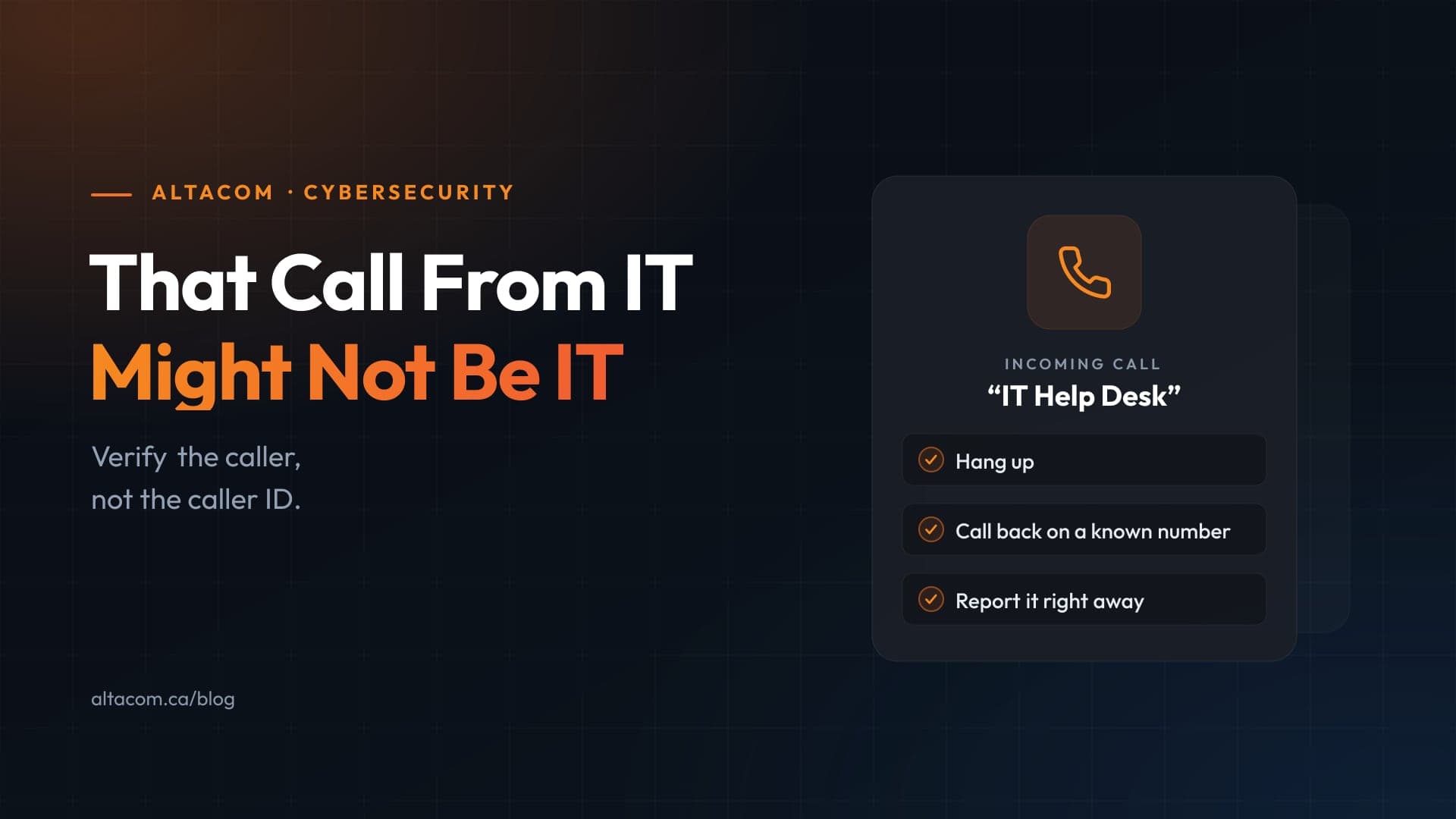
- To verify, hang up and call your IT team on a number you already have. Don’t use the incoming call’s callback option.
- Check the web address before you sign in. A page with your firm’s name in it is not the same as your firm’s real sign-in page.
- Don’t share your screen or allow remote access until the request is verified.
- Report suspicious contact right away, even if you’ve already done what the caller asked. Fast reporting is what lets IT cut off access before data leaves.
A legitimate technician will never mind a callback. Make verification the expected habit, not an awkward one.
What Your IT Team Should Have in Place
Training lowers the odds that someone is fooled. These controls limit the damage when someone is. They follow the Cyber Centre’s recommendations:
- Phishing-resistant MFA. FIDO2 security keys, passkeys or Windows Hello for Business, starting with partners, finance and IT administrators. These methods are tied to the real sign-in site, so a look-alike page can’t relay them. Microsoft Entra ID supports all three.
- Conditional Access. Require managed, compliant devices to sign in, and block sign-ins from hosting providers, commercial VPNs and residential proxies.
- Locked-down Microsoft Teams. Limit external access to the organizations you actually work with, and review guest access regularly. It’s a setting most Microsoft 365 tenants never revisit after setup.
- Stronger help desk verification. Tighten the process for MFA resets, account recovery and new device enrolment, so the help desk itself can’t be talked into helping an attacker.
- Monitoring that catches the follow-up. Alert on new MFA registrations, unusually high-volume SharePoint and OneDrive access, deleted security emails, and newly registered domains that use your firm’s name. This is the work of managed security, and it’s what turns a stolen session into a short incident instead of a data breach.
- Shorter sessions and a ready playbook. Reduce session lifetimes, and know in advance how you will revoke sessions and tokens, reset credentials, remove unknown MFA methods and preserve audit logs.
If Someone Already Followed the Caller’s Instructions
Act quickly, and don’t let embarrassment slow the report. The guidance is to:
- Revoke the account’s active sessions and tokens, reset its credentials and remove any MFA methods or devices the user didn’t add.
- Review the account’s mailbox and file activity in Microsoft 365.
- Preserve identity provider and Microsoft 365 audit logs for the investigation.
Contact your cyber insurer early, and report the incident to the RCMP and the Canadian Anti-Fraud Centre through the National Cybercrime and Fraud Reporting System. Your firm will also need to assess its obligations to clients, its law society and privacy regulators.
The Takeaway
Technical security and caller verification have to work together. Phishing-resistant MFA makes a stolen password and code useless, and a habit of hanging up and calling back stops the attack before it starts. The firms affected this month are among the most security-conscious in the country, which is the clearest sign that no firm should assume it’s too careful to be fooled.
AltaCom helps law firms across Alberta build both halves: phishing-resistant sign-in and Microsoft 365 hardening on the technical side, and security awareness training that covers vishing on the human side. To see where your firm stands, take our free Law Firm IT Self-Assessment or book a conversation with our team.
Sources
- Canadian Centre for Cyber Security: AL26-028, Ongoing help desk voice phishing campaign targeting Canadian organizations (October 28, 2026)
- Statement from McCarthy Tétrault (October 29, 2026)
- BLG statement regarding cybersecurity incident
- Alberta Lawyers Indemnity Association: Canadian lawyers targeted by sophisticated voice phishing attacks (October 30, 2026)
- RCMP National Cybercrime Coordination Centre fraud alert, via the Law Society of Newfoundland and Labrador (October 27, 2026)
- The Globe and Mail: How hackers broke into four of Canada’s top law firms