

An accounting practice runs on two things: client trust and deadlines. Your IT either protects both — or quietly puts both at risk. Yet most CPA firms buy IT support the same way any small business does: a generalist provider, a break-fix arrangement, and a hope that nothing goes wrong in March.
This guide covers what accounting practices should actually expect from an IT provider — the security baseline, the tax-season support model, the backup standards, what it should cost, and the questions that separate a provider who understands accounting firms from one who doesn't.
Why accounting firms cannot use generic IT
Three things make a CPA firm different from the average small business:
- The application stack. QuickBooks Desktop and Online, Sage 50, CaseWare, TaxCycle, Profile, Xero — plus CRA e-services like Represent a Client and EFILE. Your provider needs to know how these behave: which ones fight with Windows updates, how multi-user database modes fail, and how to host them so remote staff and seasonal preparers can work without lag.
- The calendar. A server outage in July is an inconvenience. The same outage on April 25 is a crisis measured in missed filing deadlines and lost clients. IT support that treats every month the same was not designed for an accounting practice.
- The data. You hold SINs, financial statements, payroll records, and banking details for every client you serve. That makes accounting firms disproportionately attractive targets for phishing and ransomware — and it raises the stakes of every security decision.
The security baseline every CPA firm needs
None of this is optional anymore — cyber insurers and, increasingly, clients themselves expect it:
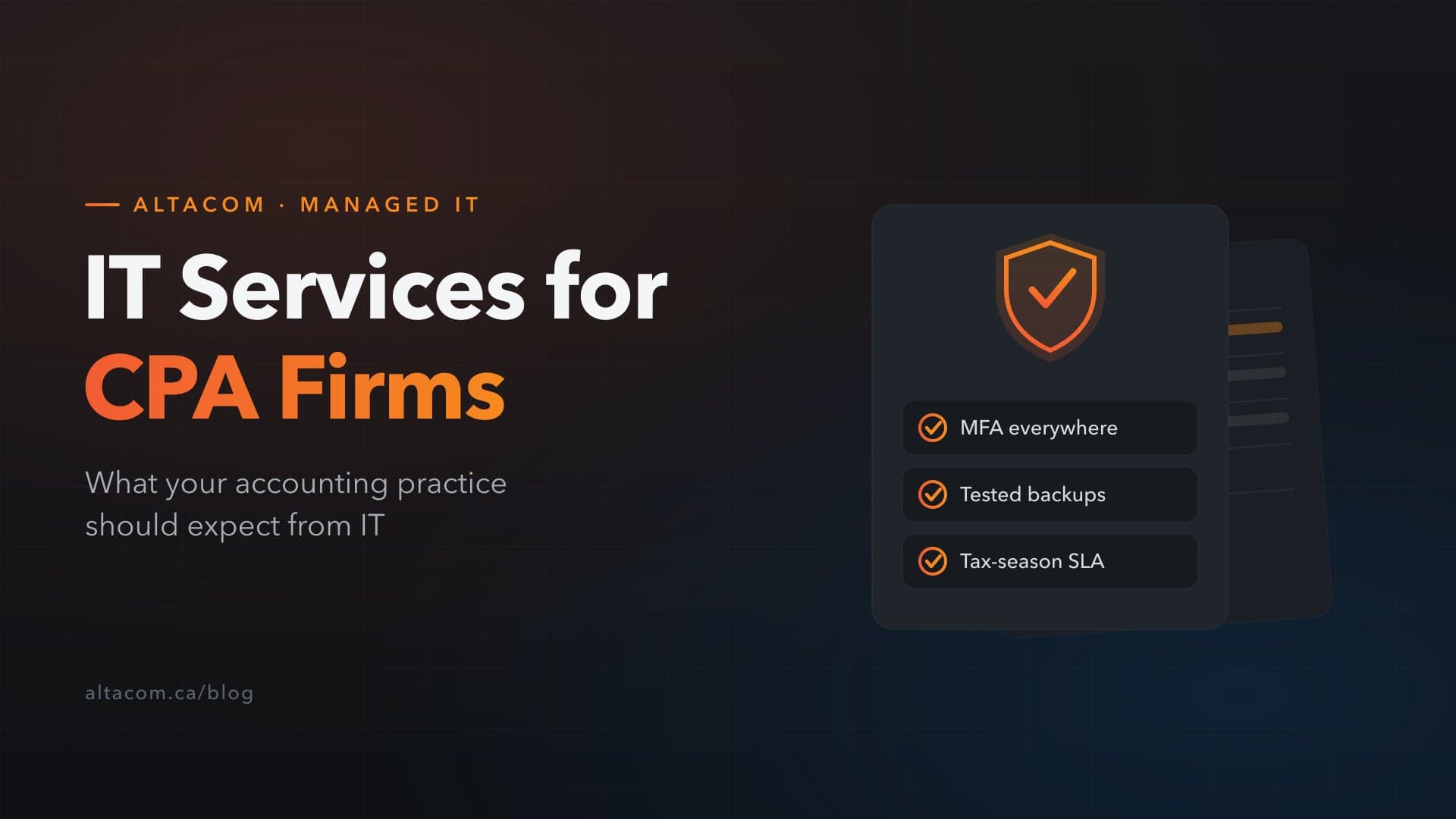
- Multi-factor authentication everywhere — email, remote access, cloud accounting platforms, and CRA credentials. Most credential-based attacks die here.
- Managed endpoint detection and response (EDR) — modern ransomware protection on every workstation and server, monitored by humans, not just installed.
- Email security beyond the default filter — phishing is the number-one entry point into accounting firms, and tax season brings CRA-impersonation campaigns every year.
- Encryption at rest and in transit — on laptops especially. A stolen laptop with an unencrypted drive is a reportable privacy breach; the same laptop encrypted is an inconvenience.
- A secure client portal — T4s, notices of assessment, and financial statements do not belong in email attachments. A portal protects clients and demonstrates professionalism.
Backup and recovery that matches tax-season reality
Ask any provider two numbers: your recovery point objective (how much work you can afford to lose) and your recovery time objective (how long you can afford to be down). For a CPA firm in April, honest answers are "an hour of work, at most" and "hours, not days."
That requires more than a backup drive in a closet: automated backups running multiple times a day, at least one copy stored immutably off-site where ransomware cannot reach it, and — critically — scheduled test restores. A backup that has never been tested is a hope, not a plan.
Tax-season support levels, in writing
From late January through the end of April, your firm should expect a different support posture: guaranteed response times appropriate to deadline work, extended support hours, fast onboarding for seasonal staff, and a freeze on risky infrastructure changes during peak weeks. If a provider offers the same service level in April as in August, they have not worked with many accounting firms.
Privacy obligations are your obligations
PIPEDA applies to every client record you hold, and professional obligations around confidentiality go further still. Your IT provider should be able to show you where client data lives, who can access it, how access is logged, and what the breach-notification process looks like — before you ever need it. In a privacy incident, "our IT company handles that" is not an answer a practice wants to give.
What should IT cost a CPA firm?
Most accounting practices are best served by flat-rate managed IT — a fixed monthly fee per user that covers monitoring, security, helpdesk, patching, and backup management. For firms in Alberta, budgets typically land in the range of $150–$300 per user per month depending on security requirements and application hosting needs.
The alternative — hourly break-fix — looks cheaper until the first tax-season emergency, when you are paying premium rates for a technician who is learning your environment during your busiest week.
Five questions to ask before you sign
- Which accounting applications do you support — and can you speak to the ones we run? (Have them explain how they would handle multi-user database issues and tax-season update cycles, not just name the products.)
- What is your written response-time commitment during tax season?
- When did you last run a test restore for a client, and how long did recovery take?
- Walk me through your process if we suffer a breach — including PIPEDA notification support.
- Can you provide a reference from a firm that trusts you with confidential client data — accounting, legal, or financial services?
The bottom line
The right IT partner for an accounting practice is one who already knows your applications, plans around your calendar, and treats client confidentiality as a professional obligation rather than a feature. That is the standard your clients hold you to — hold your IT provider to the same one.
AltaCom has supported professional-services firms across Alberta since 2011 — businesses whose entire reputation rests on protecting confidential client data. See how we work with practices like yours on our IT for accounting firms page, or book a free IT assessment — a practical review of your security, backups, and tax-season readiness, with no obligation.