

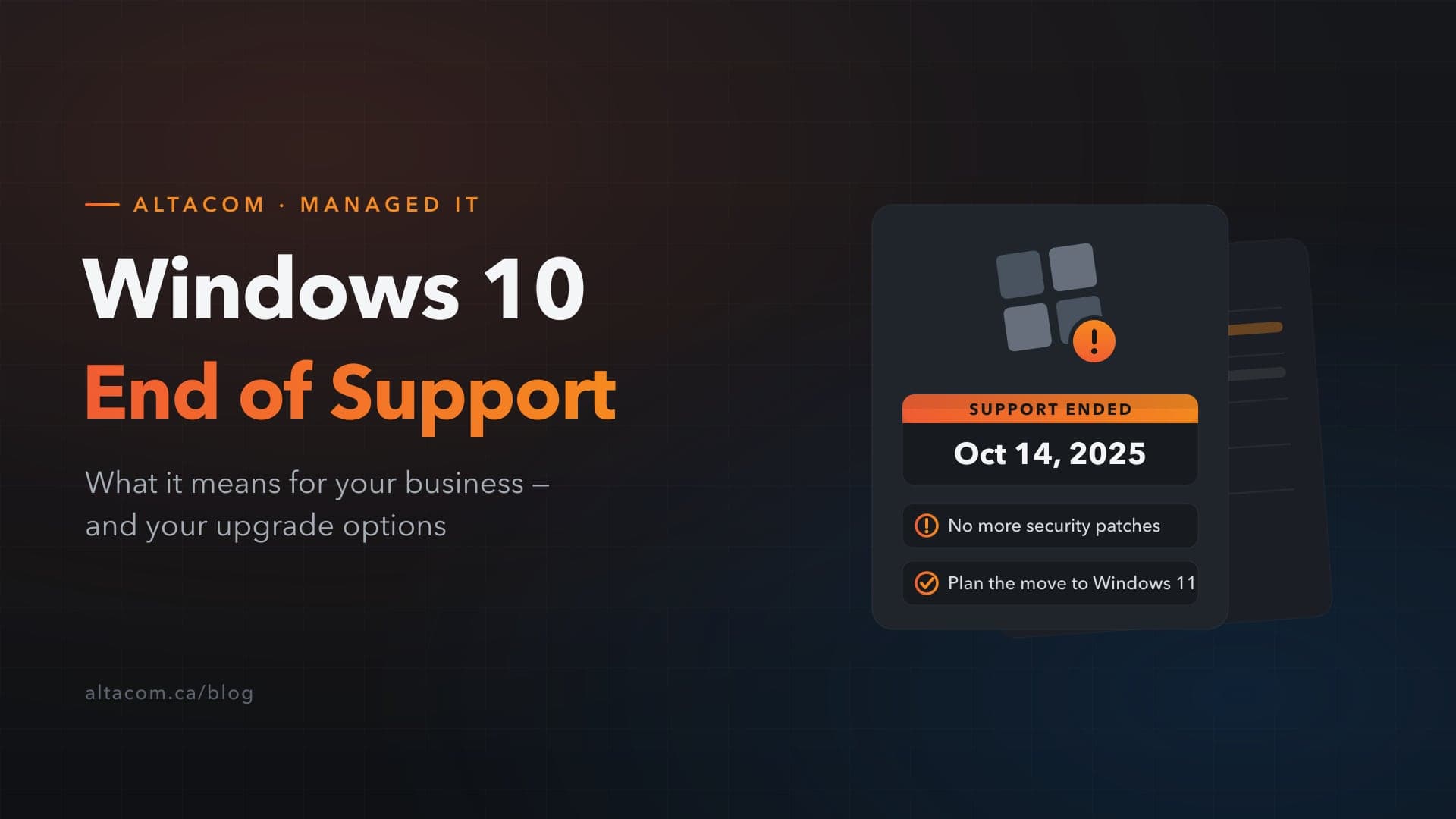
As of October 14, 2025, Microsoft will officially stop providing security updates, bug fixes, and technical support for Windows 10. For Calgary businesses still using this operating system, this change could have a significant impact on both security and productivity.
What Does End of Support Mean?
After October 14, 2025, Windows 10 will no longer receive:
- Security Updates: Without regular patches, your system becomes vulnerable to malware and cyberattacks.
- Technical Support: No more access to Microsoft customer support for troubleshooting.
- Bug Fixes: Performance and stability issues will go unaddressed.
Third-party software developers will also stop releasing Windows 10 updates over time, leaving systems increasingly prone to attacks and compatibility failures.
Why Calgary Businesses Should Care
- Security Risks: Without critical patches, newly discovered vulnerabilities will go unaddressed indefinitely.
- Compliance Issues: Businesses in regulated industries (healthcare, finance, legal) risk non-compliance with PIPEDA, HIPAA, and PCI-DSS by running unsupported software.
- Software Compatibility: New applications will increasingly drop Windows 10 support, limiting your access to critical tools.
- Increased IT Costs: Maintaining unsupported software requires costly third-party patches and workarounds.
Your Options
1. Upgrade to Windows 11
Windows 11 offers improved security, better performance, and new features including TPM 2.0, Copilot integration, and passkeys. This is the recommended path for most Calgary businesses.
Key consideration: Windows 11 has higher hardware requirements. AltaCom can run a compatibility assessment to determine which devices can be upgraded vs. replaced.
2. Extended Security Updates (ESU)
Microsoft offers critical security patches for up to three years after end of support. ESU pricing doubles every year — and if you join in Year Two, you must pay for Year One retroactively. It is a bridge, not a long-term solution.
3. Alternative Operating Systems
Some businesses may explore Linux or macOS, but this requires significant planning, employee training, and software compatibility assessment.
How to Prepare: Step-by-Step
- Assess Your Environment: Identify all devices still running Windows 10 and assess hardware compatibility with Windows 11.
- Create a Migration Plan: Plan the timeline, resources, and training requirements.
- Budget Accordingly: Factor in hardware upgrades, new licenses, and support services.
- Back Up Your Data: Before any changes, ensure all data is backed up.
- Consult AltaCom: We specialize in smooth OS migrations for Calgary businesses — contact us to plan your transition.
Don't Wait Until the Last Minute
At AltaCom, we specialize in helping Calgary businesses transition smoothly to newer operating systems — ensuring your systems remain secure, compliant, and efficient. Contact us today to plan your Windows 10 migration before the October 2025 deadline.